Software that's loved by technologists too.
Deployment Flexibility
Deploy DiLL in a fixed lab, a mobile MacBook cart, or in your 1-to-1 MacBook Program.
Single Sign-On
DiLL integrates with any LDAPv3 based directory system for seamless SSO.
Automatic Self-Updates
Software updates and new features are downloaded and installed automatically.
Requirements
Students & Teacher
- Any Intel or Apple Silicon Mac:
- MacBook Neo, MacBook Air, iMac, or Mac Mini with external display
- Headsets with microphone
- Network connection



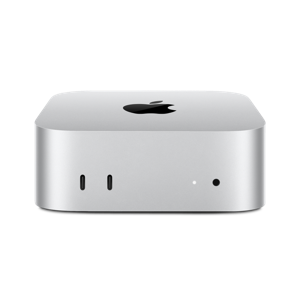
DiLL Server
Machine:
- Any Intel or Apple Silicon Mac
Recommended Configuration:
- 512 GB SSD
- 1TB external drive for Time Machine backups
- Dedicated for hosting DiLL only
Networking
Basic Requirements:
- DiLL server is the nexus for all data sent to/from lab stations
- Lab stations and server can be on any VLAN as long as a network route exists between them
- DiLL server has wired connection to school LAN
Wireless Requirements:
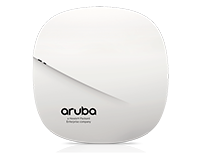
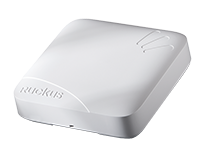
- High-performance 802.11n/ac access point in every classroom
- Each access point uses an interference-free 5 GHz channel
Access Points Tested:
- AeroHive, Aruba, Avaya, Cisco, Fortinet, HP, Juniper, Meraki, Ruckus, Xirrus

Factors to consider in education headsets:
Sound Isolation
Does the headset provide circumaural earcups that fully cover students' ears and block sound?
USB Chipset Quality
Many low-end USB audio controllers suffer from clock drift and require corrective measures in software.
Side-Tone
Does the headset have side-tone, i.e., the ability for students to hear themselves while they speak?
Microphone-Mute Button
Does the headset have a physical mute button that students can trigger by accident?
Specific headset we recommend:
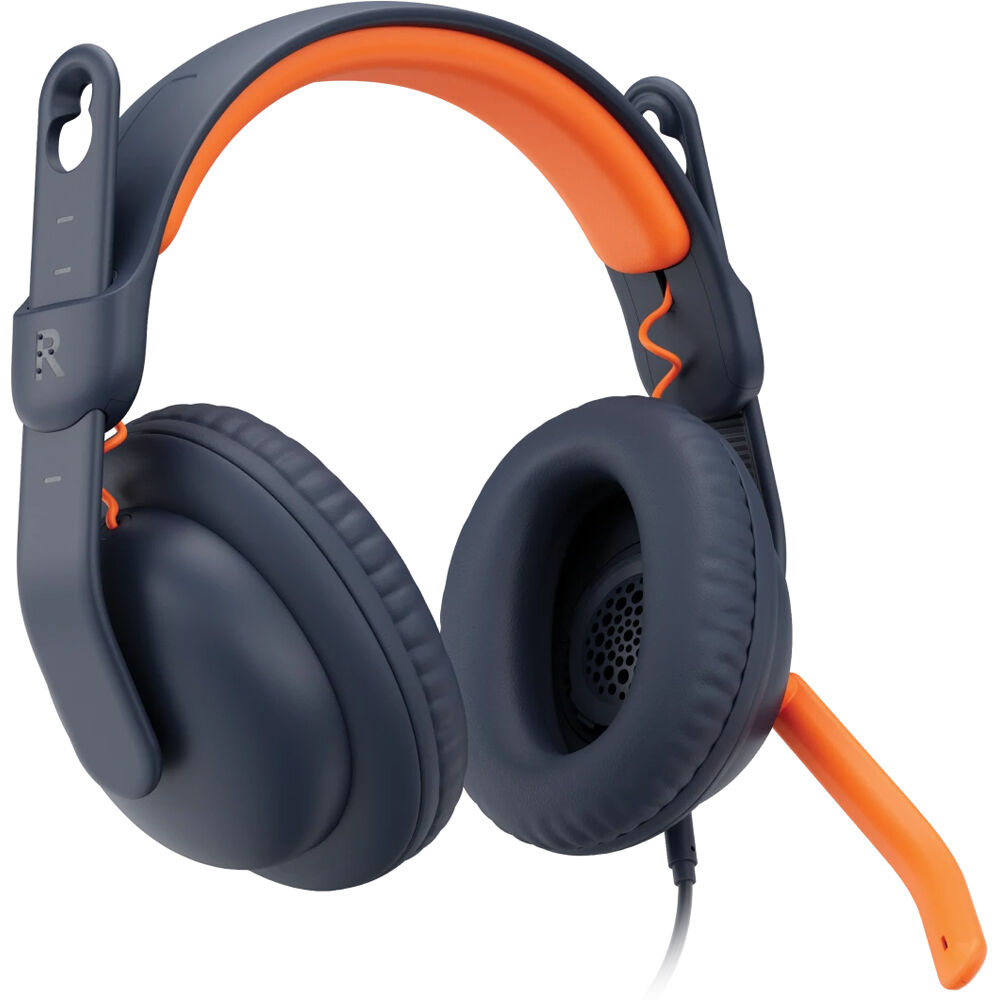
| Configuration | Part Number | Product Link |
|---|---|---|
| USB-C | 981-001383 | View at CDW-G |
| USB-A | 981-001378 | View at CDW-G |
| 3.5mm | 981-001389 | View at CDW-G |
| USB-C & 3.5mm (EDU bulk) | 981-001395 | View at CDW-G |
Request a demo or learn more about our free pilot.
FAQs
Why should I use DiLL? My students already speak in class.
DiLL helps teachers maximize students' speaking time in class by providing a controlled environment that allows all students in the classroom to speak simultaneously without distracting each other.
If the whole class is speaking at the same time, won't students record over each other?
For classroom use, a headset with circumaural headphones and a noise-cancelling microphone will capture only the speaker's voice while also allowing the student to listen -- distraction free.
Will DiLL work wirelessly?
Yes! You can turn any classroom space into a full-featured language lab using only DiLL, Macs, and 802.11n/ac WiFi, without sacrificing either voice quality or voice latency.
Is DiLL Mac only?
DiLL is currently only compatible with Macs. In the short-term, we'll be releasing an iOS app for iPads, iPods, and iPhones.